Jumping into the world of digital art is exciting, but it can feel a bit overwhelming at first. Don’t worry, you don’t need to be a pro to start creating amazing pieces. All you really need is a good tool that fits your style and some basic tips to help you get going.
First things first, pick a digital art software that you vibe with. There are tons of options like Adobe Photoshop, Procreate, and Krita. If you're just starting out, try a few free versions to find what feels right. Each has its unique features, so play around a bit before you settle in.
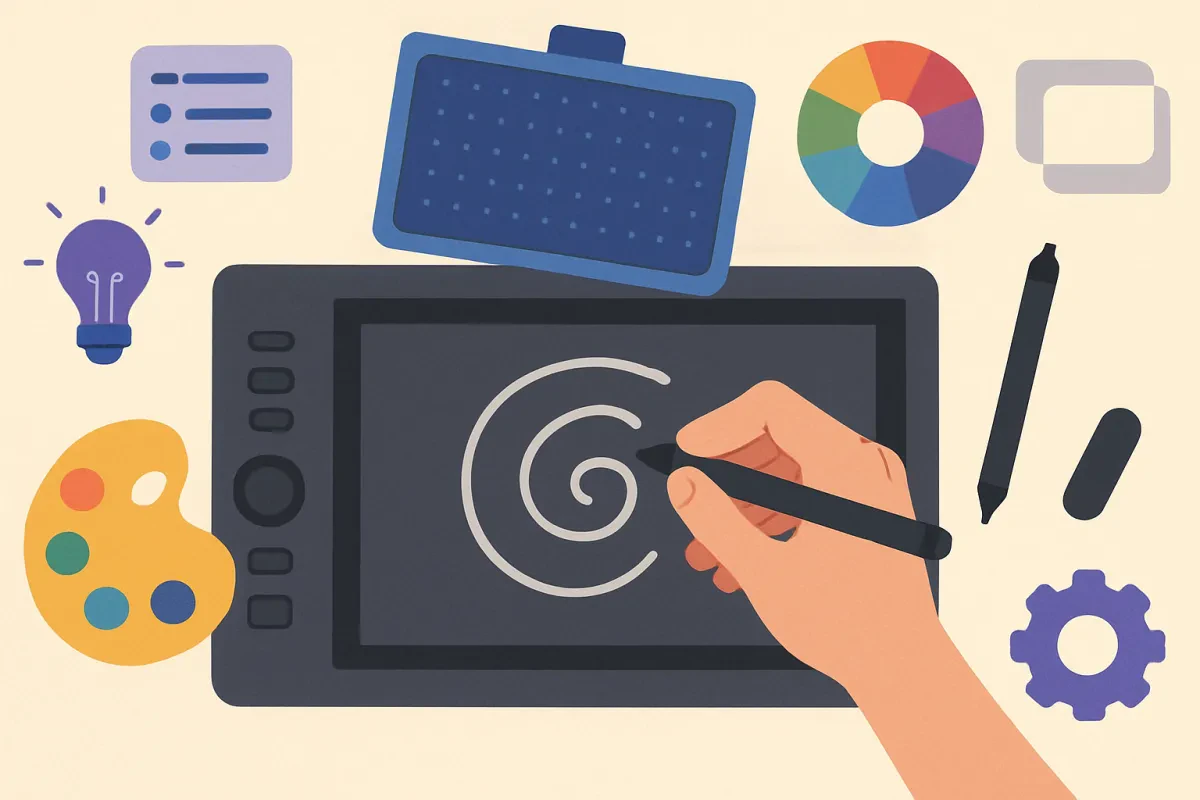
Next up is your hardware. A graphics tablet or a touchscreen device makes a big difference in how you create your art. Brands like Wacom and Huion have solid tablets that don’t break the bank. If you prefer working on a tablet, the iPad with Apple Pencil is popular and super portable.
Once you have your software and hardware, it’s time to explore and experiment. Watch tutorials, join online communities, and practice as much as you can. Digital art comes with a learning curve, but don't stress. Just enjoy the process and let your creativity take the lead.
Lastly, don’t forget to find inspiration! Whether it’s browsing through art on social media, hitting up online galleries, or checking out your favorite artists, soaking in different styles can help spark your own ideas. Just remember, every artist started somewhere, so keep pushing yourself and have fun!
Choosing the Right Software for You
If you're all about drawing and sketching, programs like Procreate or Adobe Fresco are great choices. They have a user-friendly interface and tools that mimic traditional drawing. For those who love to paint, Corel Painter offers a wide range of brushes that can give you that real paint feel right on the screen. Plus, it's super customizable!
For animation lovers, try out Toon Boom Harmony or Clip Studio Paint. These tools provide excellent animation features and are great for creating smooth movement and fun characters. If you're into 3D design, Blender is a powerful (and free!) option that lets you create stunning 3D art and models.
Don’t forget to think about your budget. Some software comes with a hefty price tag, while others are totally free or have trial versions. Check out free options like Krita or SketchBook to see if they meet your needs before committing to a purchase. It’s all about finding the perfect fit that matches both your artistic style and your wallet!
Top Tools Every Digital Artist Needs
Digital art can be a game changer for artists, and having the right tools makes all the difference. Here’s a list of must-have tools that every digital artist should consider adding to their collection. They’re not just trendy; they're super practical too.
1. Drawing Tablet
A good drawing tablet is essential. It gives you the freedom to draw naturally. Look for one with a responsive stylus and a comfortable surface. Brands like Wacom and Huion are popular for a reason—they provide excellent pressure sensitivity for those fine details. Whether you’re sketching or painting digitally, this tool is a game changer.
2. Art Software
You can't go wrong with powerful art software options like Adobe Photoshop or Procreate. These programs offer a ton of brushes and tools that mimic traditional mediums. Procreate, for example, is super user-friendly on the iPad and perfect for artists on the go. If you're looking for something budget-friendly, check out Krita or GIMP. They have plenty of features without breaking the bank!
3. Color Picker Tool
Picking the right colors can transform your artwork. A color picker tool saves time and helps you get the perfect shade. It's especially useful if you’re working with specific palettes. Some art software includes built-in tools, but you can also find standalone apps. This little gadget can help keep your colors cohesive and vibrant.
4. Graphic Design Resources
Don’t underestimate the power of resources like brushes, textures, and fonts. Websites like Creative Market and Envato offer tons of goodies for your projects. Investing in high-quality brushes can take your artwork to a whole new level, allowing for unique textures and styles that stand out.
Having these tools in your digital art toolkit will definitely help you create stunning pieces. They’re reliable, user-friendly, and designed to make your creative journey smoother and more enjoyable. Happy creating!
Improving Your Skills with Practice
Getting better at digital art takes practice, and the good news is that it's super fun! The more time you spend creating, the more you learn. Try to set aside a little time each day to doodle or work on a project. It doesn’t have to be a masterpiece; just get those creative juices flowing!
Pick a specific skill to focus on each session. Want to work on colors? Experiment with different palettes. Feeling bold? Try drawing from life or using a different style. The key is to mix things up and keep it exciting. Trust us, you'll notice a big difference in your work over time!
Joining online art communities can really help, too. You can share your art, get feedback, and see what others are doing. Platforms like Instagram or art-specific sites are packed with inspiring content. Participate in challenges or prompts and see how others tackle the same theme. You'll find new techniques and discover fresh ideas that can really enhance your skills.
Don’t forget about tutorials! Platforms like YouTube and skill-sharing sites offer tons of free resources. You can watch artists in action and pick up tricks that save you a lot of trial and error. Just find a few that resonate with you, and you're golden!